
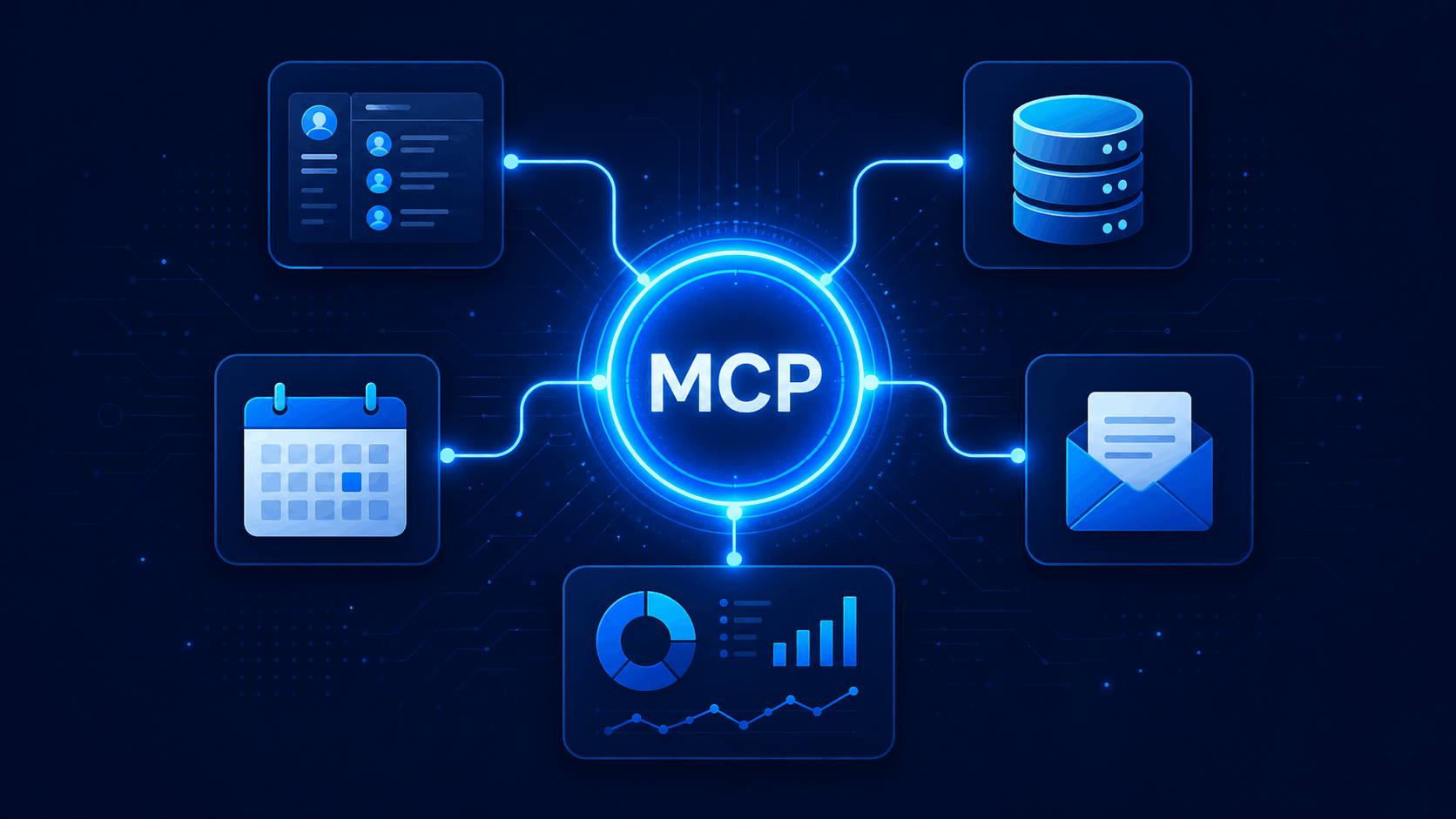
Most businesses I talk to have the same quiet frustration: they’ve invested in AI tools — chatbots, assistants, copilots — but those tools still feel disconnected from the work that actually happens. They can’t see your CRM. They don’t know what’s in your project tracker. They can’t pull up a customer’s order history without someone copying and pasting it in first. The AI is smart, but it’s working blind.
Table of Contents
That gap between AI capability and real business utility has a name now — and a fix. It’s called MCP, short for Model Context Protocol. It’s not a product you buy. It’s a standard that changes how AI tools connect to your systems. Businesses looking to implement these capabilities often start with custom MCP server development services. And if you’re serious about getting more out of AI in the next 12 months, it’s worth understanding what it actually does.
The Problem AI Tools Have Always Had
Here’s the thing about most AI deployments today: they’re islands. Your AI assistant lives in one place. Your CRM lives in another. Your support ticketing system, your finance tools, your internal knowledge base — all separate. Getting AI to interact with any of them usually means custom integrations, developer time, and ongoing maintenance headaches.
I’ve seen this play out repeatedly with mid-market companies. They pilot an AI tool, love the demos, then hit a wall when it comes to connecting it to their actual operations. The result? Teams end up manually feeding context to the AI — pasting in data, describing situations, bridging gaps that should be automatic. That’s not AI working for you. That’s you working for AI.
- Disconnected data sources: AI tools can’t access your CRM, ERP, or internal databases without custom-built connectors for each one
- Repetitive manual context: Teams waste time copying and pasting information that AI should already have access to automatically
- Fragile point-to-point integrations: Every new AI tool requires its own integration, and each one breaks when systems update
- Inconsistent outputs: Without access to real business data, AI gives generic answers instead of context-aware ones that reflect your actual situation
- Slow deployment cycles: IT teams spend months building and maintaining integrations instead of focusing on higher-value work
This is the baseline most businesses are still working from. MCP is designed to change it.
What Is MCP — In Plain English
Think of MCP like USB-C for AI. Before USB-C, every device had a different cable, a different port, a different charging standard. It was a mess. USB-C created one universal connector that works across devices, brands, and use cases. MCP does the same thing for AI tools and business systems.
Technically, MCP — developed by Anthropic and now an open standard — defines a common language that AI models use to request and receive information from external tools, databases, and services. Instead of every AI tool building its own custom integration with every data source, both sides speak MCP. Once a system is MCP-compatible, any MCP-ready AI tool can connect to it.
- Standardised communication: MCP gives AI tools and business systems a shared protocol, like a universal translator that both sides already speak
- Real-time data access: AI agents can query live systems — your CRM, calendar, support queue — and get current information rather than working from stale context
- Action capability: Beyond just reading data, MCP-enabled AI tools can take actions — creating records, sending messages, updating fields — with proper permissions in place
- Plug-and-play compatibility: Once a system supports MCP, it works with any MCP-ready AI tool without additional custom development
In practice, this means your AI assistant can look up a customer’s account while on a support call, check inventory before confirming an order, or update a deal stage after a meeting — automatically, without anyone copying data between tabs. This type of connected infrastructure is a key reason why MCP can transform business task automation across departments.
How MCP Changes AI Deployment for Businesses
Before MCP, deploying AI meant picking a tool, building integrations from scratch, and accepting that each new AI capability would require another round of custom development. After MCP, the model shifts. You build toward a connected infrastructure rather than a collection of isolated tools. This foundation becomes even more valuable when deploying intelligent agents in AI that need real-time access to business systems and workflows.
Here’s what that looks like in practice across different functions:
- Customer support: An AI agent using MCP can pull a customer’s order history, check ticket status, and update records in your helpdesk — all within a single conversation, without human hand-off
- Sales operations: AI can access your CRM in real time, summarise deal history before a call, log meeting notes automatically, and flag deals that need attention based on live pipeline data
- Finance and reporting: Teams can query financial systems through natural language, get up-to-date figures without waiting for a report run, and surface anomalies faster
- HR and internal ops: Employees can ask AI questions and get answers pulled directly from policy documents, HR systems, or project trackers — rather than emailing HR and waiting
- IT and infrastructure: AI tools can monitor systems, trigger alerts, and run diagnostic checks by accessing live infrastructure data through MCP-compatible connectors
The compounding effect matters here. As you add more MCP-compatible tools, each one immediately connects to your existing infrastructure. You’re not starting from scratch every time.
What Business Leaders Should Know Before Adopting MCP
MCP is promising, but it’s not magic. Before your team goes all-in, there are some honest questions worth asking — especially for leaders who don’t want to find out the hard way that they skipped a step.
- Which of your current systems are MCP-compatible, and which will require a connector to be built or bought — because that gap determines your real implementation timeline
- What data are you comfortable exposing to AI systems, and what governance controls need to be in place before any of that access is enabled
- Does your IT team have the capacity to manage MCP server infrastructure, or will you need a vendor or partner to handle that layer
- How will you audit and monitor what actions AI tools are taking through MCP connections, particularly in regulated industries or when sensitive records are involved
- Are the AI tools you’re currently evaluating actually MCP-ready, or are vendors using the term loosely — because not all integrations marketed as AI-connected follow the actual standard
The security and governance angle isn’t optional. MCP gives AI tools real access to real systems. That’s the point — but it also means access controls, audit logs, and permissions need to be designed properly from the start, not retrofitted later.
Is MCP the Right Move for Your Business Right Now?
Not every business needs to act on this today. Where you are on the AI adoption curve matters. But there are some clear signals that MCP should be on your roadmap within the next six to twelve months.
- You’re running multiple AI tools that currently don’t share context — MCP is the connective tissue that makes them work as a system rather than a pile of separate products
- Your teams are manually bridging AI and business systems by copying data, summarising context, or re-entering information — that’s a direct sign you’re absorbing costs MCP is designed to eliminate
- You’re planning to deploy AI agents that need to take action, not just answer questions — agents require real system access to be genuinely useful, and MCP is the standard way to provide that
- You’re evaluating new AI tools or platforms — making MCP compatibility part of your vendor criteria now will save you significant integration pain later
If you’re still early in AI adoption — experimenting with one or two tools, figuring out use cases — you don’t need to build MCP infrastructure this week. But you should understand it well enough to ask the right questions when evaluating vendors and planning your next phase.
Final Thoughts and Next Steps
MCP isn’t a buzzword. It’s a practical standard that solves a real problem businesses have been quietly working around for years — the disconnect between capable AI tools and the actual systems those tools need to be useful. As more vendors adopt it, the businesses that understand it earliest will have a meaningful advantage in how quickly they can deploy AI that actually works.
If you want a concrete starting point: ask your current AI tool vendors whether they support MCP. Ask your IT team what it would take to expose your core business systems through an MCP server. And if you’d like a clearer picture of what a connected AI infrastructure could look like for your specific business, that’s exactly the kind of conversation we have with clients at Conversantech. The gap between AI potential and AI impact is real — but it’s also narrower than most people think.
Frequently Asked Questions
Your AI Is Only as Powerful as What It Can Connect To
Build a custom MCP server that lets your AI agents securely access your business tools, automate workflows, and take real action.

